
One Mac, one last take: how the film was made
Rain on a backlot, a song and Bizarro at the mic. Every shot and note of LAST TAKE came from Phosphene on one M4 Max. Here are the settings, render times and mistakes worth keeping.
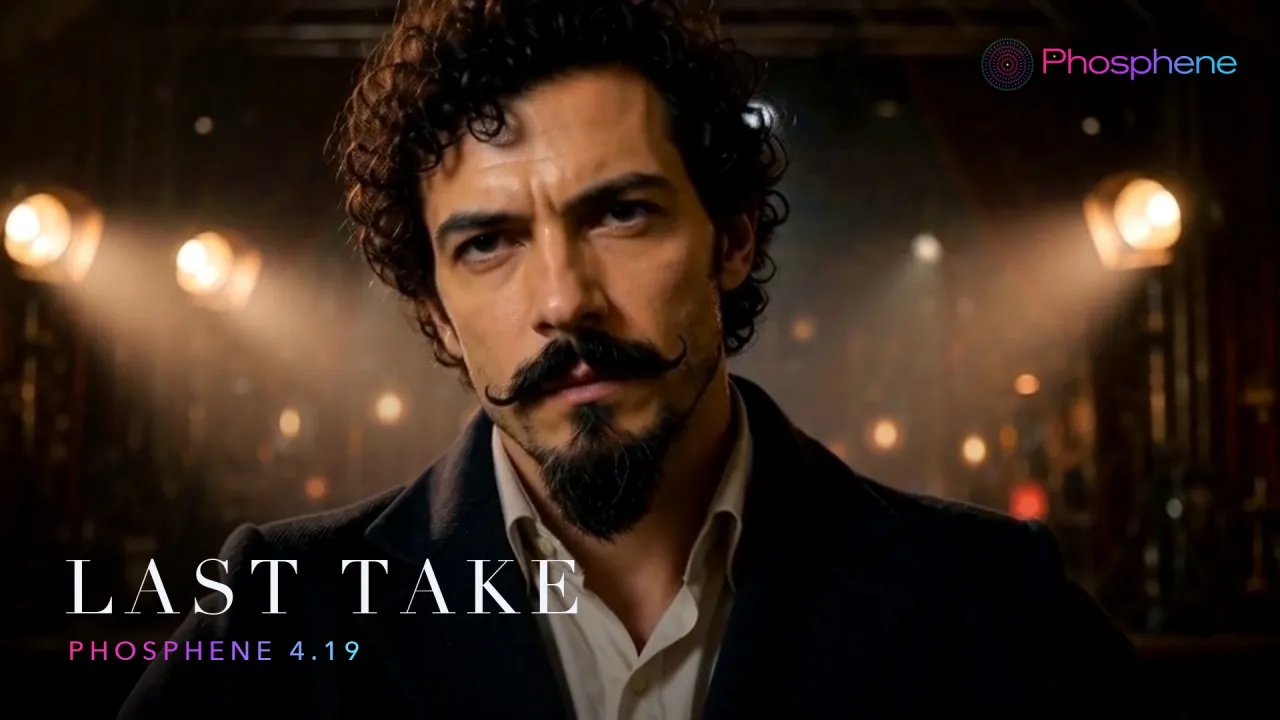
film · hailuo-h3 · ltx-2.5 · music
The microphone wandered in front of Bizarro’s mouth. The stage lights came up, then flickered back off. A few takes grew an extra face. Making LAST TAKE involved a fair amount of telling a Mac, “Again.”
The finished film runs 64 seconds. Rain on a backlot. An empty stage waking up. Bizarro, the moustached persona of Mr Bizarro, taking the director’s chair before singing into an old microphone. Every frame and every note came from Phosphene 4.19 on one MacBook Pro: M4 Max, 64 GB. Nothing rendered in the cloud.
Start with the song
The song gave the film its shape. Music Studio, powered by YuE2, generated it from original lyrics: rain on the backlot, one bulb still burning, a chorus about one last take. At Final quality with a 90-second maximum, the render took about 70–90 seconds.
One cut between beats shortened the verse. That left 4.5 seconds for the title card and put the picture edits on or near the beat.
The app’s stem separator split out the vocals, which were muted through the verse. The voice enters on “Roll the camera”, just as the film camera starts turning. A small edit that gives the shot somewhere to go.
The film, shot by shot
| Time | Shot | Mode |
|---|---|---|
| 0:00 | Title over black, piano intro | Music Studio |
| 0:04 | Rain and lightning on the backlot | Add sound |
| 0:09 | Stage lights rise from a single ghost light | Keyframes, then Extend |
| 0:19 | Slow push-in on the director’s chair | Extend twice |
| 0:34 | The old camera starts rolling | Fast HD |
| 0:38 | Bizarro sings at the mic, camera orbiting | Lip-sync, voice only |
| 0:48 | Close-up for the last line | Lip-sync, voice only |
The backlot started as an LTX-2.5 clip at High. Its original audio was removed, then Hailuo H3’s Add sound made the rain, thunder and footsteps. The picture stayed exactly as it was.
For the stage, H3 got two stills: a ghost light in the dark and the full lighting rig. A ten-second keyframe attempt overshot and flickered back. Five seconds between the frames, followed by a five-second Extend, worked. That’s the take in the film.
The push-in started with a single still. Two extensions turned it into one continuous fifteen-second camera move.
For the singing, H3’s “Listen to the voice only” kept the mouth following the vocal instead of the drums. A twenty-second orbit drifted after the third window and put the microphone in front of Bizarro’s mouth. Splitting off the last ten seconds as a close-up solved it.
The actual render times
These are from the M4 Max with 64 GB, at High with the Fast adapter where it applies. Most of the jobs ran overnight in a queue.
| Job | Time |
|---|---|
| Song, 90 s | 70–90 s |
| An LTX still | 151–191 s |
| LTX clip, 5 s, High | 261 s |
| H3 keyframes, 5 s | About 9 min |
| H3 picture to video, 5 s | 553 s |
| H3 Extend, +5 s | About 11 min |
| H3 Add sound, 5 s | 583 s |
| H3 lip-sync, 10 s | 1,176 s |
Keep the face. Lose the bad take.
Each take was checked against the training photos for likeness. On that scoring scale, the photos themselves measured 0.76–0.78. The stills used in the film scored 0.73–0.76, and the fifteen-second push-in held at 0.67–0.76.
The numbers helped compare takes. A second face in the background or a microphone covering the mouth still meant a cut. You can generate a shot locally and still need an editor’s eye.
Try your own version
Hailuo H3 needs a Mac with at least 36 GB of memory. Budget about 125 GB of disk for both video engines and Music Studio; this film was made with 64 GB of memory. Phosphene is free, including the next take when the first one goes wrong.
Install Phosphene, then start with a shot you want to see. A whole film can come later.
Your Mac's turn. Get Phosphene free and make your first scene. Open source. Offline once the models are downloaded.